

Congratulations!
You’ve Launched!
What’s next?…
Think of your website like a stage production—it evolves. You’ll tweak things, update content, and make improvements as you grow. That’s normal! Keep an eye on what’s working, what’s not, and don’t be afraid to make changes.
Affiliate links are marked with an *, which means I may earn a small commission if you make a purchase—at no cost to you. I only recommend things I genuinely love!

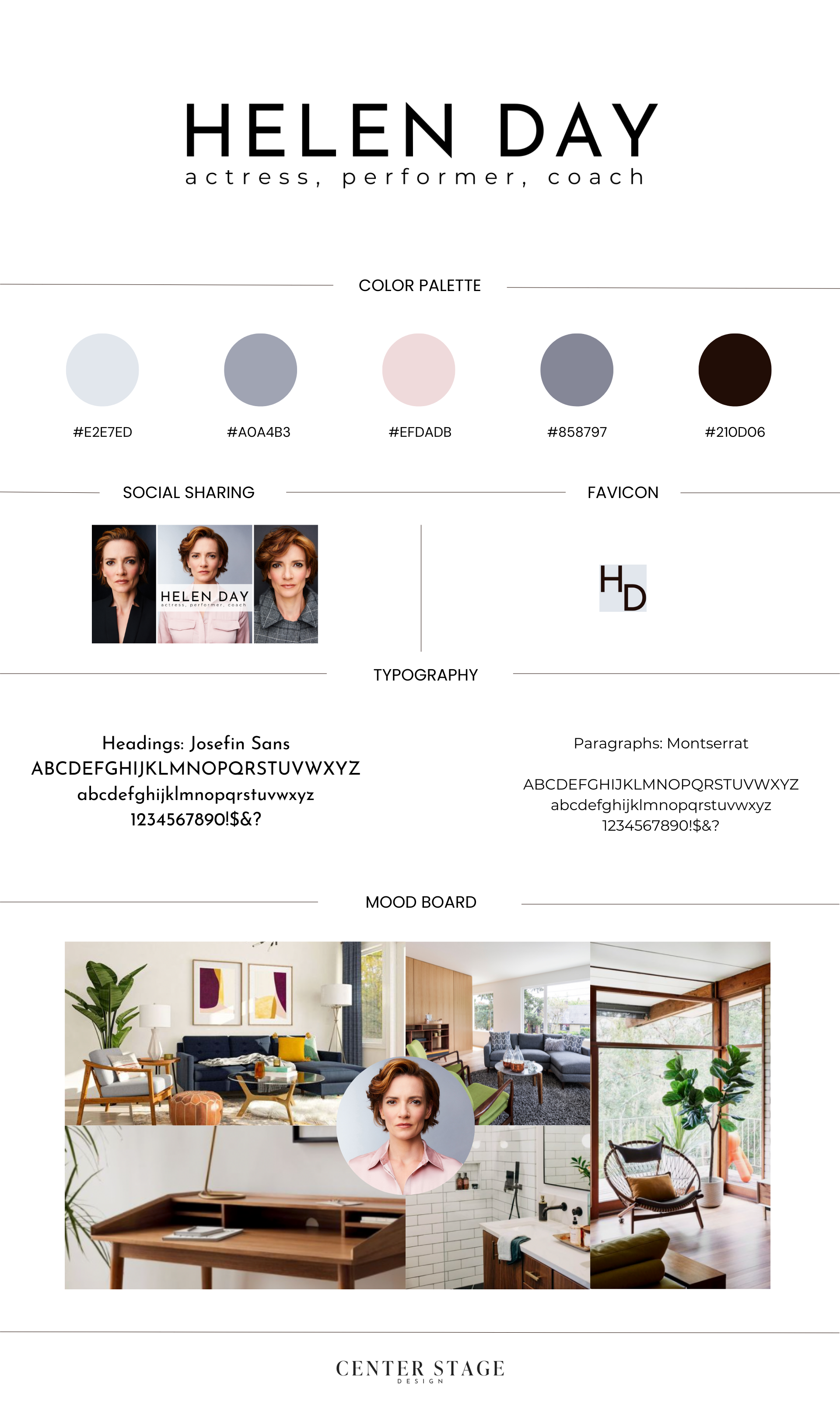
1. Update Your Branding.
Your brand like your signature personal style - it should be consistently fabulous everywhere people might find you!
Here's your branding checklist:
Update those social media profiles (yes, even the ones you haven't posted on in a while!)
Don't forget those business directories you're listed on
Check your email signature and newsletter designs
(I personally LOVE Signature.email* because it’s a one time payment. No subscription fee!)
Update any digital business cards or QR codes

2. The Not-So-Fun (But Super Important) Legal Stuff
Trust me on this one - proper legal documents are like insurance for your digital presence. Go to your URL/legal and review the terms, or post them if you don’t have them!
Review & update your Terms & Conditions. Don’t have any? Simply search “free terms & conditions generator” or use a low cost option, which are abundant.
Create a clear Privacy Policy (hello, GDPR and CCPA!) See above. Google is your friend!
Copy and paste these to your URL/legal page

3. Plan Your Updates
Think of your website like a garden - it needs regular tending to flourish:
Will you be blogging? Podcasting? Recording YouTube videos? If so, decided on a posting schedule and STICK TO IT!
(Monthly is better than never!)Schedule regular content updates.
(Is your representation still the same, do you have new testimonials or demos to upload?)Create a quarterly website maintenance checklist.
(I go through and click all of the links on my site to make sure they’re working, and check for any out of date information.)


Remember...
Your website is like a living, breathing part of your business. It's not just about looking pretty - it's about growing with you and serving your audience better every day.
Need to make updates? Keep your brand guide and website documentation handy - future you will be grateful for the organization!
And if you’re ever in a pickle, you can always book updates a-la-carte as needed.