Squarespace vs Wix 2024: Which one is right for you?
A comparison of Squarespace and Wix’s most important considerations for the DIY-er.
3 min read
I will come right out and say it, I will be biased towards Squarespace here. But I promise I’ll try to be fair to Wix. It can do some things that Squarespace can’t, so if you are looking for those specific things, then by all means, use Wix. (My sister used it for a while, but I’ve since brought her over to the Squarespace dark side… Muahahahah -insert evil emoji–.)
At the end of the day, the two questions my clients ask when I tell them I use Squarespace exclusively are:
How much will it cost me? Can I edit it myself?
So, instead of writing up a laundry list of differences between the both platforms I’m gonna just cut it down to what you actually care about.
1. Editor/Ease of Use
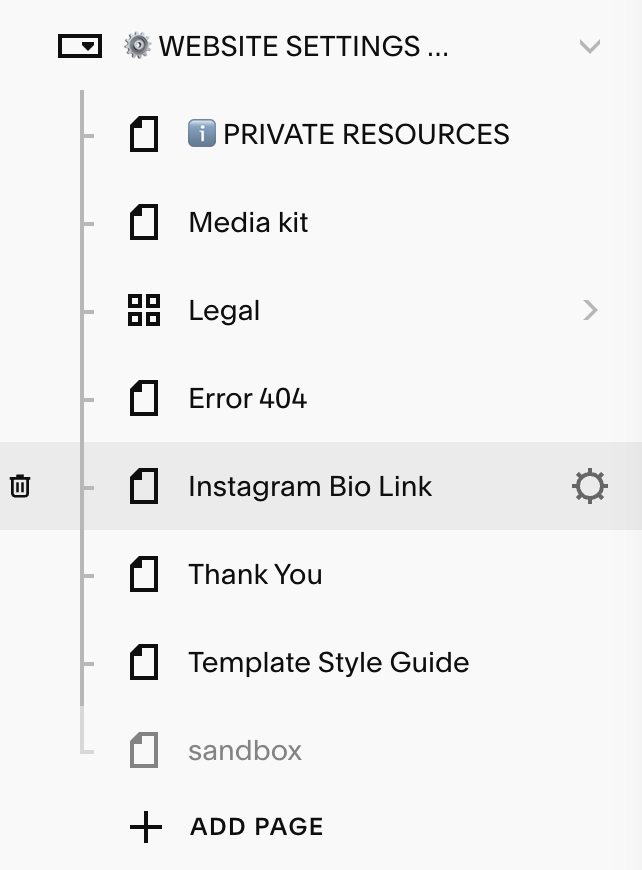
Comparing the Squarespace editor to Wix editor is a bit like bowling with and without those safety bumper lanes. You know the ones where it makes it impossible to lose? Squarespace uses a grid system for designing your website. This DOES mean that you have limitations, there are professionals like myself - small plug ;) - that can work around these using plugins and fancy wizardry, but if you are DIY-ing it yourself you may find that you won't be able to be hyper-specific in your designs.
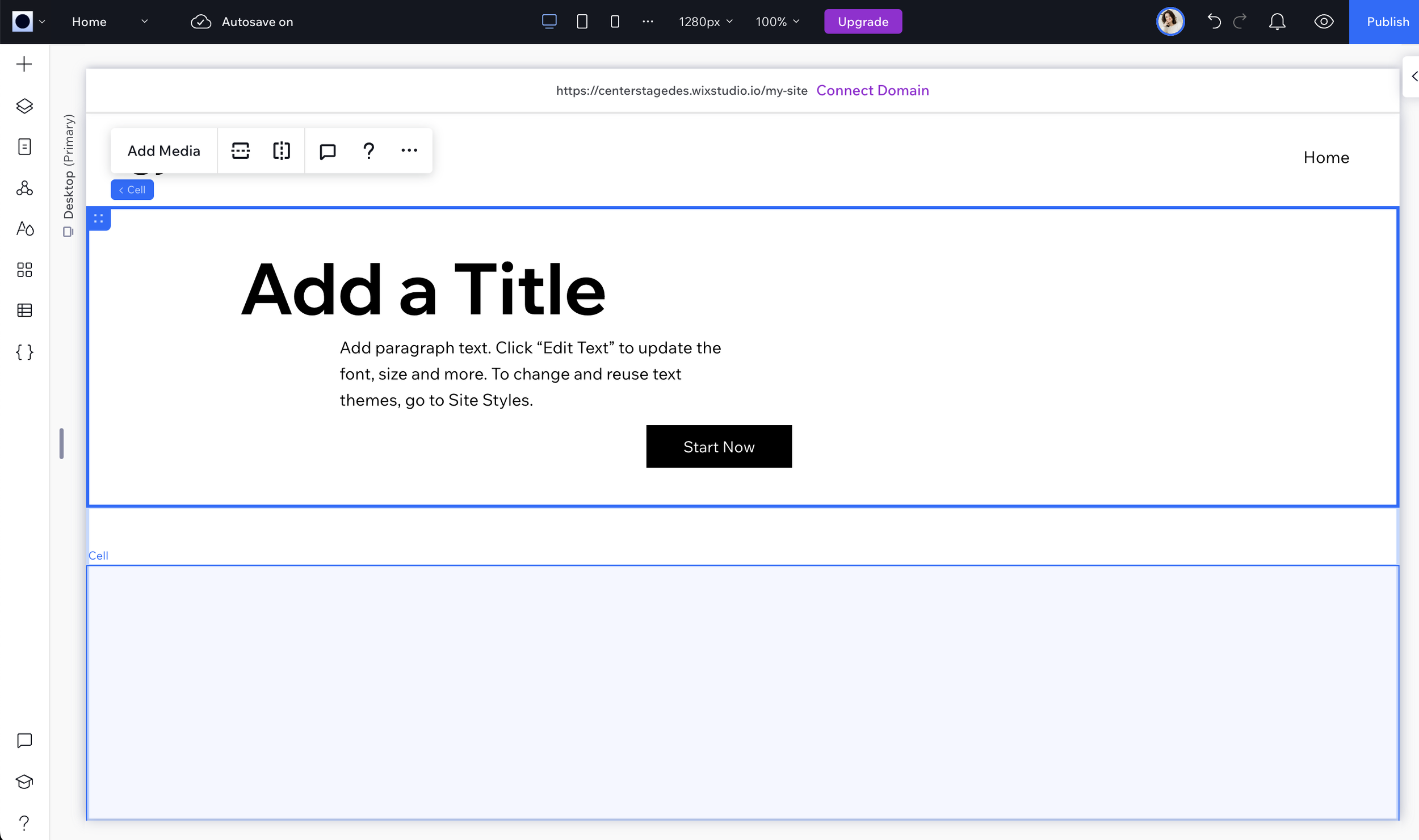
On the other hand, jumping into the Wix editor you must know you are jumping into an unstructured ocean. You can drag and drop elements anywhere on the frame. This DOES allow you to be hyper-detailed in a way Squarespace doesn't but the downside, and I mean major downside, is that you can easily break your website by moving a comma too far to the left. I wish I was joking. Sometimes you don’t even have to do anything, if you look on Reddit you will see dozens of people who just woke up one day and their site was displaying really, really funky.
Winner? If you want a plug-and-play solution? Squarespace.
2. Prices, Domains, and Add-ons
Pricing between the ‘big 4’ as I like to call them, is a difference of $2 - $8 per month (all prices discussed here are in USD). Not enough to sway you in one way or another in my opinion. Squarespace comes in right in the middle at $23/mo as of this post.
Wix does have a free plan, but you can’t have your own domain and there are Wix ads on your page that you can’t get rid of. This is great if you want to work on your website for a while but otherwise not so much. No professional has a website that says yourname.wix.com. You’ve got to pay to play. (Or in this case appear professional!)
Squarespace starts at $16/mo per month (depending on where you are and what you need). Here’s where it gets interesting though. The business Squarespace plan, the first upsell available is cheaper than the first Upsell on Wix. Squarespace business: $23; Wix Core: $27. (*My chart on the side compares the top 4’s Business level plans, which are what I recommend to clients.) Business plans have more advanced features and metrics along with marketing options.
While at a glance I get why you might be tempted to go for Wix, it has a lot of features included in its plans right out the gate, I have to warn you they are heavily geared towards e-commerce brands. TLDR the vast majority of my clients never need them. You would be paying for functionality that you don’t even use.
(*I’ll dive into Showit and Webflow in other articles.)
Winner? It’s a tie. There’s only a $3/mo difference.
The bottom line…
Go with Wix if you want unparalleled design control or to build an e-commerce empire. (And even then, I’d recommend Shopify over Wix!)
Go with Squarespace if you’re a creative who wants a polished professional site that’s easy to update.
It’s really that simple.