Squarespace vs Wix: Which one is right for you? (2026 edition!)
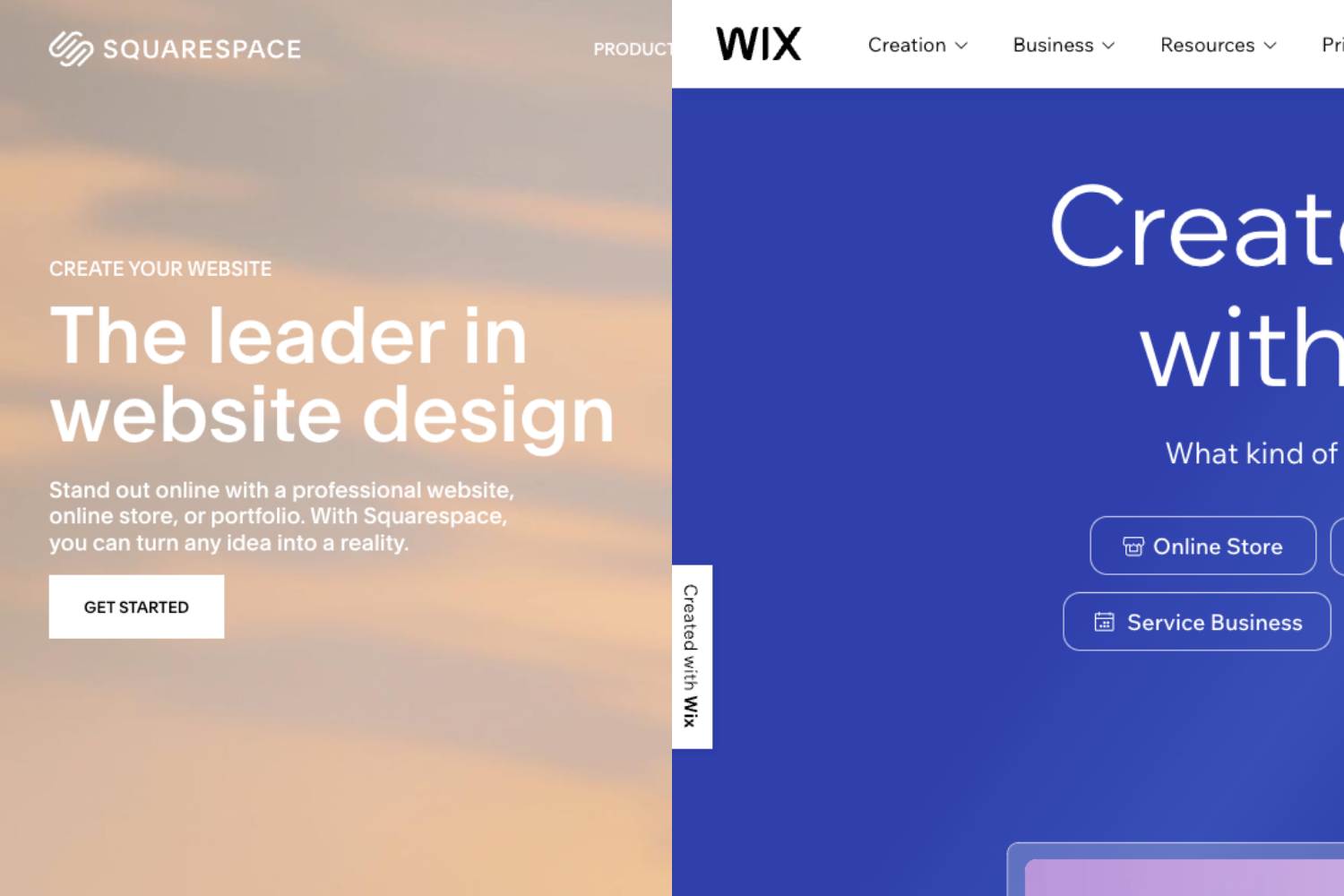
Welcome to another installment of our website builder comparison series! Today we're looking at Wix and Squarespace. Two of the absolute biggest names in the website building world.
Together, they power 55% of all websites built with a website builder. That's huge! But while they're both incredibly popular, they take very different approaches to website building.
I build on both platforms regularly (yes, even though I'm primarily a Squarespace specialist!), and I want to give you an honest breakdown of when each one makes sense.
Wix vs Squarespace: Builder & Design Approach
This is where the two platforms are most different, and it's the most important factor in choosing between them.
Squarespace's Approach: Structured Grid System
Squarespace uses what they call the Fluid Engine. A grid-based drag-and-drop editor. Elements snap into columns and rows, which creates a structured, organized layout automatically.
The advantage? It's easier to alight blocks on the page and is easier to fix accidental mistakes. The grid keeps everything aligned, balanced, and polished. This is why designers often say "you can't make an ugly Squarespace site." Now making a cool and unique one, that’s a different story.
Squarespace's templates are fully responsive, meaning they automatically adapt beautifully to mobile, tablet, and desktop without extra work from you, but you will need to adjust the mobile version after designing the desktop version. Or vice versa if most of your visitors will be visiting from a cellphone.
Hot tip: Design either the desktop or mobile version first. Then tweak the second once the first is solid. You can look up where visitors are coming from in your analytics if you’ve had a website up for a bit.
Squarespace is best for: Beginners, people who want professional results without design experience, anyone who values clean aesthetics
Wix's Approach: Complete Design Freedom
Wix uses an absolute positioning editor. You can drag elements anywhere on the page. No grid. No restrictions. You have total creative control.
The advantage? If you have design skills or a specific vision, you can create exactly what you want. No limitations. You can overlap elements, create custom animations, and build truly unique layouts.
The trade-off? More freedom means more responsibility. You need to manually ensure things are aligned, properly spaced, and look good across all devices. Mobile responsiveness requires more hands-on adjustments.
Best for: Experienced designers, people who want maximum customization, businesses with specific branding needs that require custom layouts
PS. The new Wix Harmony editor (launched January 2026) adds "vibe coding" where you can make changes using natural language prompts, plus enhanced AI features throughout. Though I’ve yet to see any of these AI editors create anything remotely close to what a designer can do.
Templates: Quality vs Quantity
Wix: 900+ templates covering every imaginable industry and niche
Huge variety
Quality varies (some look dated without customization)
Can't switch templates after publishing without rebuilding
Squarespace: 180-195 templates
Smaller selection but consistently high-quality
Modern, minimalist, design-forward aesthetics
Can switch templates anytime without losing content
Wix vs Squarespace: Features & Functionality
Both platforms are feature-rich, but they excel in different areas.
What Squarespace Offers Natively:
Blog - Clean, straightforward blogging tools
E-commerce - ALL plans now include selling capability (even Basic plan at $16/month)
Audio blocks - Upload MP3/M4A with built-in download option (just check a box!)
Booking/Scheduling - Acuity Scheduling integration (included free on some plans)
Email marketing - Squarespace Email Campaigns (separate subscription, starting $5/month)
Member areas - Built-in membership functionality
Course pages - Native course hosting
Analytics - Built-in analytics on all plans
Video hosting - 30 minutes to unlimited depending on plan
Forms - Contact forms, custom forms
Unlimited storage - On all paid plans
SEO tools - Clean URLs, automatic sitemaps, mobile optimization
Social media integration - Sell directly through Instagram/Facebook
What Wix Offers Natively:
Blog - Advanced blogging with categories, tags, scheduling, monetization
E-commerce - Starting at $29/month (Core plan)
Audio players - Standard audio player and Wix Music (neither has built-in download options)
Booking - Built-in booking and scheduling tools
Email marketing - Limited free email marketing (200 emails/month), then paid plans
SEO tools - Advanced SEO including personalized checklist, keyword research tools
Analytics - Traffic monitoring, user behavior tracking with AI suggestions
Marketing automation - More advanced than Squarespace
900+ Apps - Huge app market for extended functionality
Video - Video hosting and galleries
Forms - Contact forms, advanced form builders
Social media tools - Comprehensive social media management
AI features - Wix Harmony with vibe coding, AI text generation, AI design suggestions
Advanced business tools - More options for complex business needs
Multi-language support - Better for international sites
The Key Difference for Voiceover Actors (and other audio professionals):
This is important if you need people to download your audio demos!
Squarespace: Has a simple checkbox in the audio block settings labeled "Show Download Link" - when checked, a download button appears right next to the audio player. Super clean, native solution.
Wix: Neither the standard audio player NOR Wix Music have a built-in download option. Your only workaround is to add a separate button that links directly to your audio file for download.
It works, but Squarespace's native solution is significantly more elegant and user-friendly for this specific use case.
Wix vs Squarespace: Pricing (Updated for 2026)
Squarespace Pricing
Basic: $16/month - Can sell products (with transaction fees), blog, 30min video
Core: $23/month - 0% transaction fees, advanced analytics, 5hr video
Plus: $39/month - Growing stores, abandoned cart recovery, 50hr video
Advanced: $99/month - Enterprise e-commerce, unlimited video
Add-ons:
Email Campaigns: $5-$68/month (depending on volume)
All paid plans include: Unlimited storage, unlimited bandwidth, free domain for 1 year
Wix Pricing
Free Plan: $0 - Forever free with Wix branding and ads
Light: $17/month - Remove ads, custom domain, 2GB storage
Core: $29/month - E-commerce basics, 50GB storage, 5hr video
Business: $39/month - Advanced e-commerce, 100GB storage
Business Elite: $159/month - Unlimited storage, unlimited video, priority support
Add-ons:
Apps from Wix App Market: $0-$50+/month depending on features
Email marketing beyond free tier: Paid plans available
Payment processing: 2.9% + $0.30 per transaction
Cost Comparison Reality:
For simple websites (portfolio, small business without e-commerce):
Squarespace Basic: $16/month (includes unlimited storage)
Wix Light: $17/month (only 2GB storage)
Winner: Nearly tied, slight edge to Squarespace
For e-commerce websites:
Squarespace Core: $23/month (full e-commerce, 0% transaction fees)
Wix Core: $29/month (basic e-commerce)
Winner: Squarespace is $6/month cheaper
For complex businesses needing marketing automation & apps:
Wix typically more cost-effective due to built-in advanced tools
Squarespace may require more third-party integrations
Winner: Depends on specific needs
Wix vs Squarespace: Ease of Use
Beginner-Friendliness Winner: Squarespace
Multiple reviews consistently rank Squarespace as the easiest website builder to use. The grid system prevents mistakes, and the interface is intuitive even for complete beginners.
Wix is also beginner-friendly with its AI-powered setup and extensive help resources, but the complete design freedom can be overwhelming for first-timers. You might accidentally create spacing issues or alignment problems without realizing it.
Learning Curve:
Squarespace: Gentle slope - easy to start, stays manageable
Wix: Starts easy, gets complex as you explore advanced features
Wix vs Squarespace: Customer Support
Winner: Wix
Wix offers:
24/7 phone support (callback in English)
Live chat support
Extensive help center and video tutorials
SEO Learning Hub with courses
Active community forum
Priority support on higher tiers
Support in 10 languages
Squarespace offers:
Email support (24/7)
Live chat (limited hours)
Help guides and video tutorials
Community forum
NO phone support
Relies more on written/ticket-based support
If you value being able to call someone when things go wrong, Wix wins hands down.
Wix vs Squarespace: SEO Capabilities
Winner: Wix (by a small margin)
Both platforms are excellent for SEO—don't believe the old rumors that "website builders are bad for SEO." You can absolutely rank well with both.
Wix's advantages:
Personalized SEO checklist based on your site
Built-in keyword research tools
Google Search Console integration
More advanced SEO settings
Better for local search and competitive keywords
Squarespace's strengths:
Clean, fast code structure
Automatic mobile optimization
Clean URLs
Solid technical SEO foundation
Faster page load speeds (nearly 2x faster than Wix in tests)
For SEO-focused businesses or competitive industries, Wix gives you more tools. For most users, Squarespace's solid foundation is more than enough.
Wix vs Squarespace: Performance & Speed
Winner: Squarespace
Independent testing shows Squarespace loads nearly twice as fast as Wix and has slightly better uptime (99.89% vs 99.78%).
Squarespace uses CDN technology that optimizes performance globally. This matters for user experience and SEO.
If site speed is critical for your business, Squarespace has the edge.
Final Thoughts: Which One Should You Choose?
Neither platform is objectively "better"—they're designed for different users and priorities.
Choose Wix if you:
Want maximum design freedom and customization
Need advanced marketing automation and SEO tools
Plan to use lots of third-party apps and integrations
Value extensive customer support options (especially phone support)
Have some design experience or are willing to learn
Need specific niche features from the app market
Want a free plan to start with
Are comfortable manually adjusting mobile responsiveness
Wix is best for: Businesses that need flexibility, marketers who want advanced tools, people who enjoy tinkering and customizing, sites requiring specialized apps
Choose Squarespace if you:
Want professional designs with minimal effort
Prioritize clean aesthetics and modern templates
Are a beginner or don't have design experience
Need simple, native solutions (like audio downloads for voiceover demos!)
Value fast load times and performance
Want everything in one place without apps
Prefer unlimited storage and bandwidth
Want fully responsive templates that work perfectly on mobile automatically
Squarespace is best for: Creatives, photographers, artists, service-based businesses, anyone who wants beautiful results without complexity, beginners who want to avoid design mistakes
My Personal Take:
I build on both platforms regularly, and here's what I've learned:
For my clients who are creatives, coaches, consultants, or small service businesses: I almost always recommend Squarespace. It's elegant, beginner-friendly, and they get professional results quickly without getting overwhelmed.
For my clients who are marketers, have complex business needs, or want maximum control: Wix is usually the better choice. The flexibility and advanced features justify the steeper learning curve.
The audio download limitation on Wix is real. If you're a voiceover actor or musician who needs people to download demos, Squarespace's native solution is definitely cleaner and more user-friendly. On Wix, you'll need to add a separate download button—not the end of the world, but an extra step that's less elegant.
The Bottom Line:
Squarespace = Mac: Curated, designed, streamlined, "it just works"
Wix = PC: Flexible, customizable, powerful, requires more hands-on management
Both are excellent platforms with millions of happy users. Your choice should be based on your skill level, design preferences, and specific business needs, not which one is "better" overall.